How Gravity Golf works
Game manual · Updated 22 October 2026
What is Gravity Golf?
Gravity Golf is mini golf in space. Instead of rolling across grass, the ball travels through a miniature solar system: planets pull it in, pink repellers push it away, asteroid walls bounce it back, black holes swallow it, and wormholes spit it out somewhere else at the same speed. That is why almost no shot flies straight. If you want to make par, you have to picture the curve before you hit – and that is exactly what makes it fun.
The campaign has 50 holes, from “Tee-Off” to “Big Bang”, with a par of two to four strokes. On top of that there is a level editor where you build your own courses and pass them on to friends as a code. Gravity Golf runs right in your browser, on a computer just as well as on a phone or tablet, with no sign-up and no download.
Controls
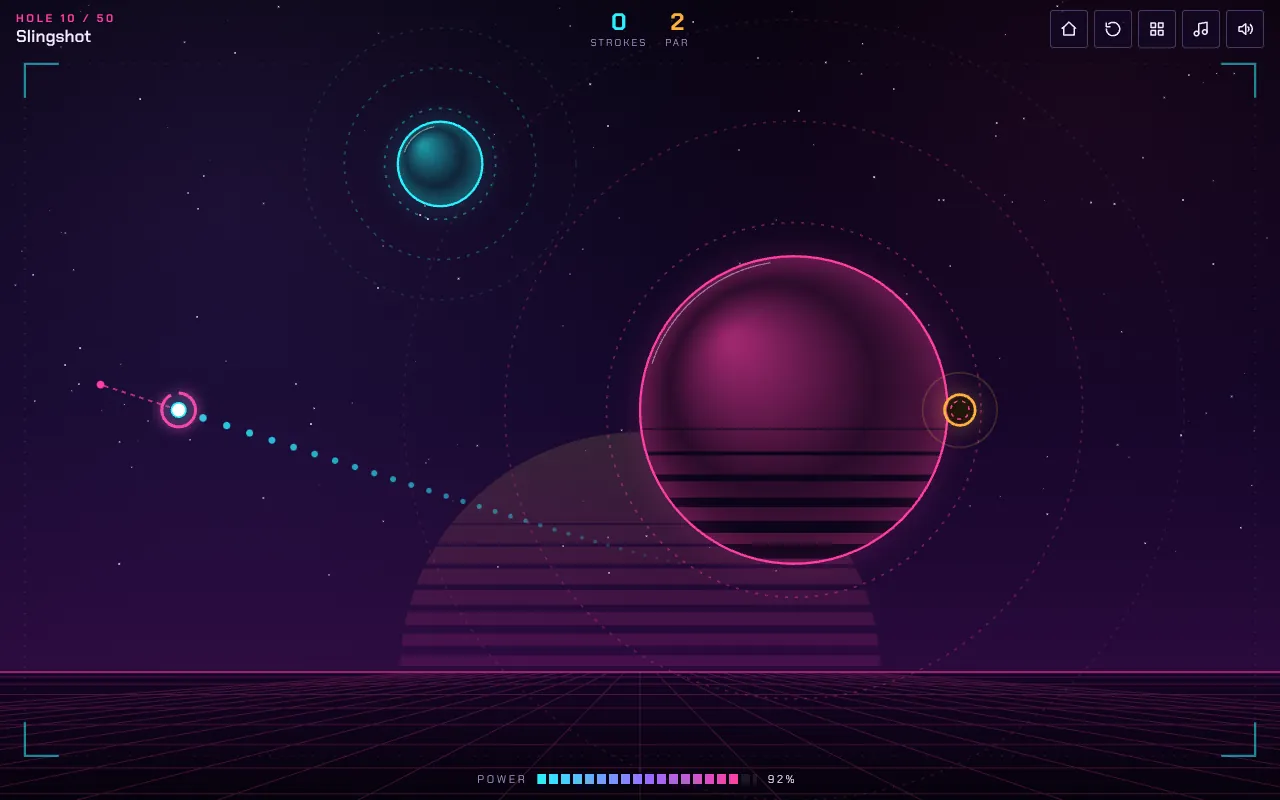
With your mouse or finger, drag away from the ball and let go. The further you pull, the harder the shot; the power bar shows the strength in percent. Beyond a certain distance the shot gets no stronger, so you don't need to drag to the edge of the screen. While you aim, small dots show the first second of the flight path, including how the planets bend it. What happens after that is up to your judgement – on long shots, that is the real challenge.
- Drag – aim and choose the power
- Release – take the shot
- R – restart the hole
- Esc – open the menu
The celestial bodies
Planets
Planets pull the ball in. The rings around a planet show where its gravity is clearly felt. The pull drops off sharply with distance: close to a planet the ball bends hard, far away only slightly. Big planets pull harder than small ones. When the ball lands on a planet's surface, it rolls out with friction – which is why many holes sit right on a planet.
Moons
Moons circle their planet on fixed orbits. They pull the ball too, and can deflect or block it on the way. Timing is everything: shoot when the moon is on the far side.
Repellers
The spiky pink bodies push the ball away. Use them as a brake, or skim the ball past one so it changes direction.
Asteroid walls
Walls bounce the ball back like the cushions on a pool table. A bank shot is often more predictable than a curve around two planets.
Black holes
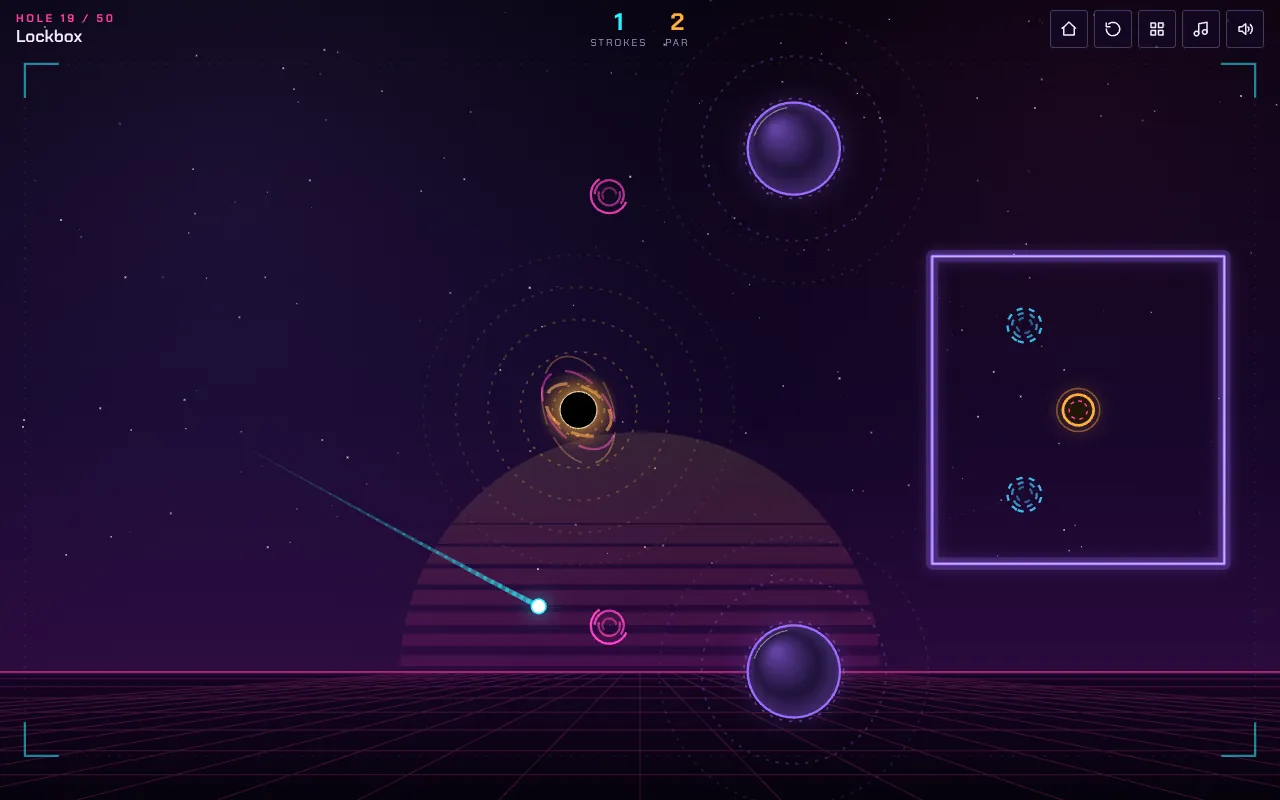
Black holes pull extremely hard. If the ball gets too close, it is swallowed – that costs a penalty stroke, and the ball returns to the spot where it last came to rest.
Wormholes
Fly into the pink vortex and the ball comes out of the blue one, at the same speed and in the same direction. In some holes the target sits in a closed chamber you can only reach through a wormhole.
Rotors
Rotors spin in front of a passage and close it at regular intervals. Wait for the gap instead of shooting into the blade.
The hole
The hole pulls the ball in a little from close range. But if the ball is too fast, it flies right over. A ball that rolls in gently drops more reliably than a hard shot.
Game modes
Campaign
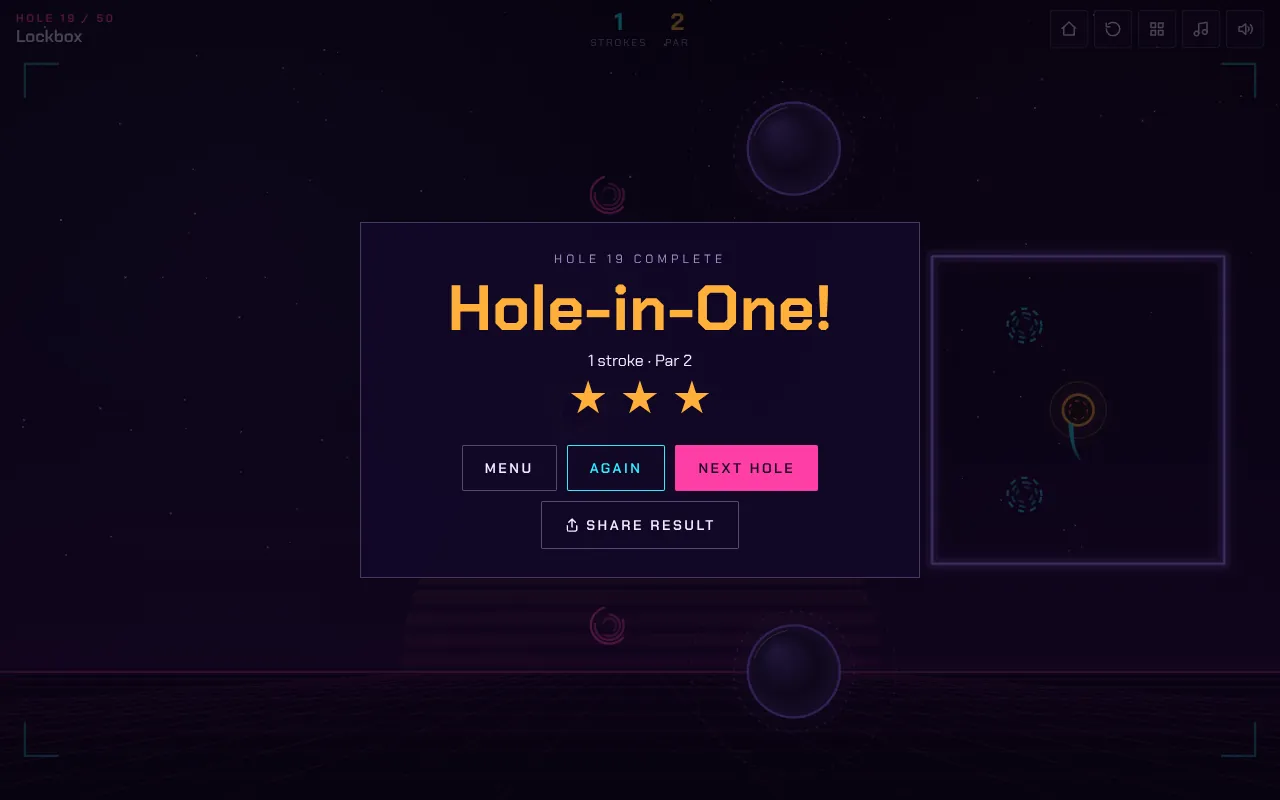
In the campaign you unlock the 50 holes one after another. Make par for three stars, one over par for two, otherwise one. Your best score per hole is saved, and you can replay any unlocked hole at any time to collect the missing stars. The early holes each introduce one new element with a short tip; later come combinations such as “Lagrange”, where two gravity fields cancel each other out, or “Pachinko” and “Slalom”, where you work your way through lots of small obstacles.
Level editor
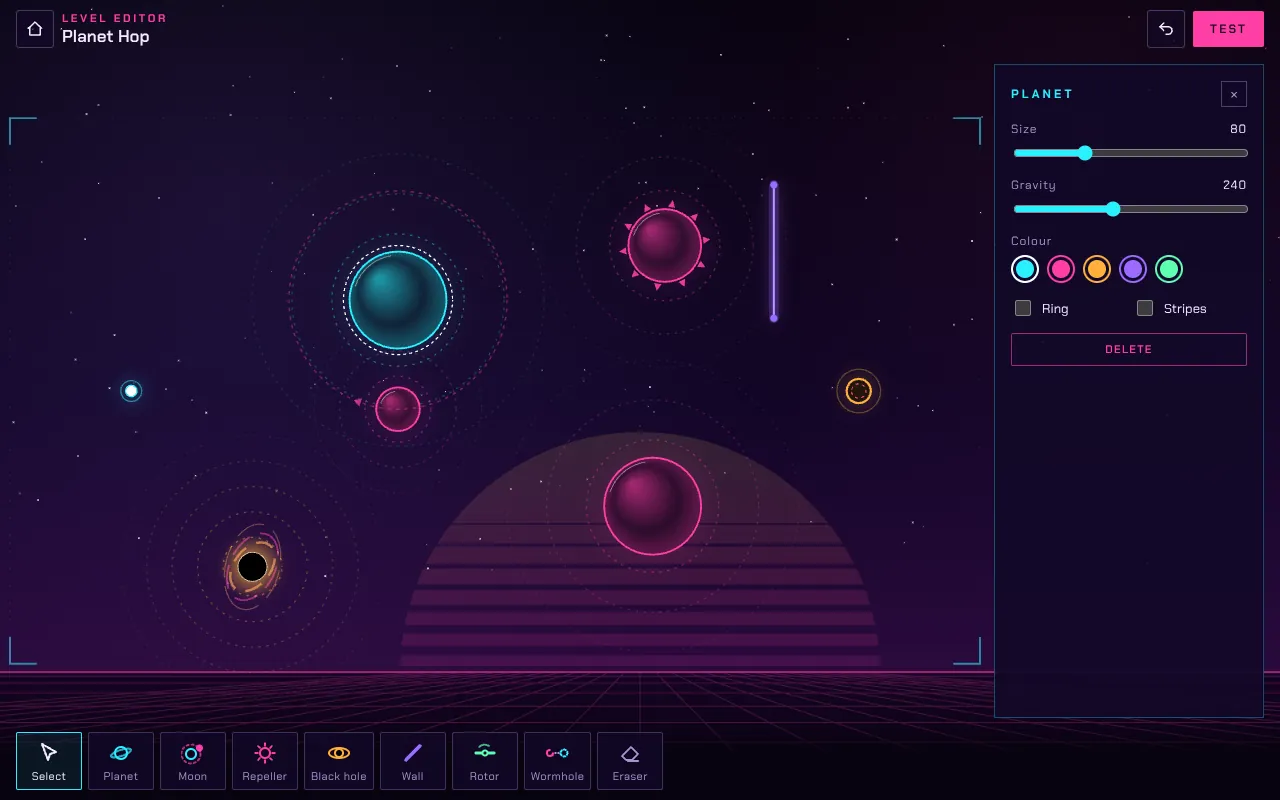
In the editor you pick a tool at the bottom and click into the field: planet, moon, repeller, black hole, wall, rotor or wormhole. Drag objects to move them; the ball and the hole are always there. If you want to build precisely, switch on “Snap to grid”. Delete removes the selected object, Ctrl+Z undoes the last step. Press “Test” to play your course yourself straight away – that is how you find out whether the par is fair.
Levels from friends
Every custom level can be copied as a level code with “Share code” and sent by messenger, for example. Use “Play a friend’s level” in the main menu or “Paste code” in the level select to load other players' courses. The code contains the complete level; nothing is stored on a server.
Strategy and tips
- Look first, then shoot. Think about which gravity fields the ball will cross. The rings around the planets show you where the curve begins.
- Land on the planet. If the hole sits on a planet, don't aim straight at it – land anywhere on the surface and let the ball roll in.
- Use the swing. On “Slingshot” the hole is on the back of a planet. A shot that just misses the planet swings the ball around it.
- Less power is often more. A shot that is too hard leaves the field or flies over the hole. If the ball comes to rest outside the field, you get a penalty stroke.
- Banks instead of curves. Where there are asteroid walls, a bank shot is usually safer than a tight curve around a black hole.
- Learn the rhythm. Moons and rotors move at a steady pace. Watch one or two rounds before you shoot.
Common beginner mistakes
- Full power on every shot: there are hardly any brakes in space, so the ball just keeps flying.
- Aiming straight at the hole even though a planet is in the way.
- Shooting too close to a black hole – its pull reaches further than you think.
- Firing at a rotor instead of waiting for the gap.
Frequently asked questions
Is my progress saved?
Yes, in your browser's local storage: best score per hole, unlocked holes and your own levels. There is no account. If you clear the site data or switch browsers, you start again.
Can I play Gravity Golf on my phone?
Yes. The field adapts to your screen size and you aim with your finger. In landscape you see more of the field.
How do I share a level I built?
In the editor, open the properties, tap “Share code”, copy it and send it. Your friend opens Gravity Golf, taps “Play a friend’s level” and pastes the code.
What are the stars for?
Stars show how well you played a hole and are added up in the menu. The maximum is 150 stars – three for each of the 50 holes.
Behind the scenes
Gravity Golf is written entirely in JavaScript and draws everything itself onto a canvas, without a game engine. The physics runs in fixed steps of 1/120 of a second. That way the ball flies the same on every device, whether the screen runs at 60 or 120 frames per second – a shot that drops on a computer drops on a phone too. Gravity follows the real inverse-square law: it falls off with the square of the distance and depends on the size of the planet. The dots you see while aiming come from the game simulating the same shot one second ahead. The whole field is 1600 × 900 units and is scaled to fit any screen.