How Scribble Circuit works
Game manual · Updated 22 October 2026
What is Scribble Circuit?
Scribble Circuit is a racing game where you draw the track yourself. Scribble a lap with your mouse or finger and it instantly turns into a 3D race track with kerbs, barriers, hills and bridges. A few seconds later you are lined up at the lights. Every drawing makes its own track – and because the same drawing always produces the same hills and bridges, you can share a track as a link and everyone races exactly the same course.
You race against bots, against friends or against your own ghost. If you like it wild, switch on chaos mode: crates, items, damage, meteors and thunderstorms. Scribble Circuit runs in your browser on computer, tablet and phone, with no sign-up and no download.
Drawing a track
Drag a closed line with your mouse or finger. The game smooths it and turns it into a twelve-metre-wide road. A track has to be at least 500 metres long; there is no upper limit.
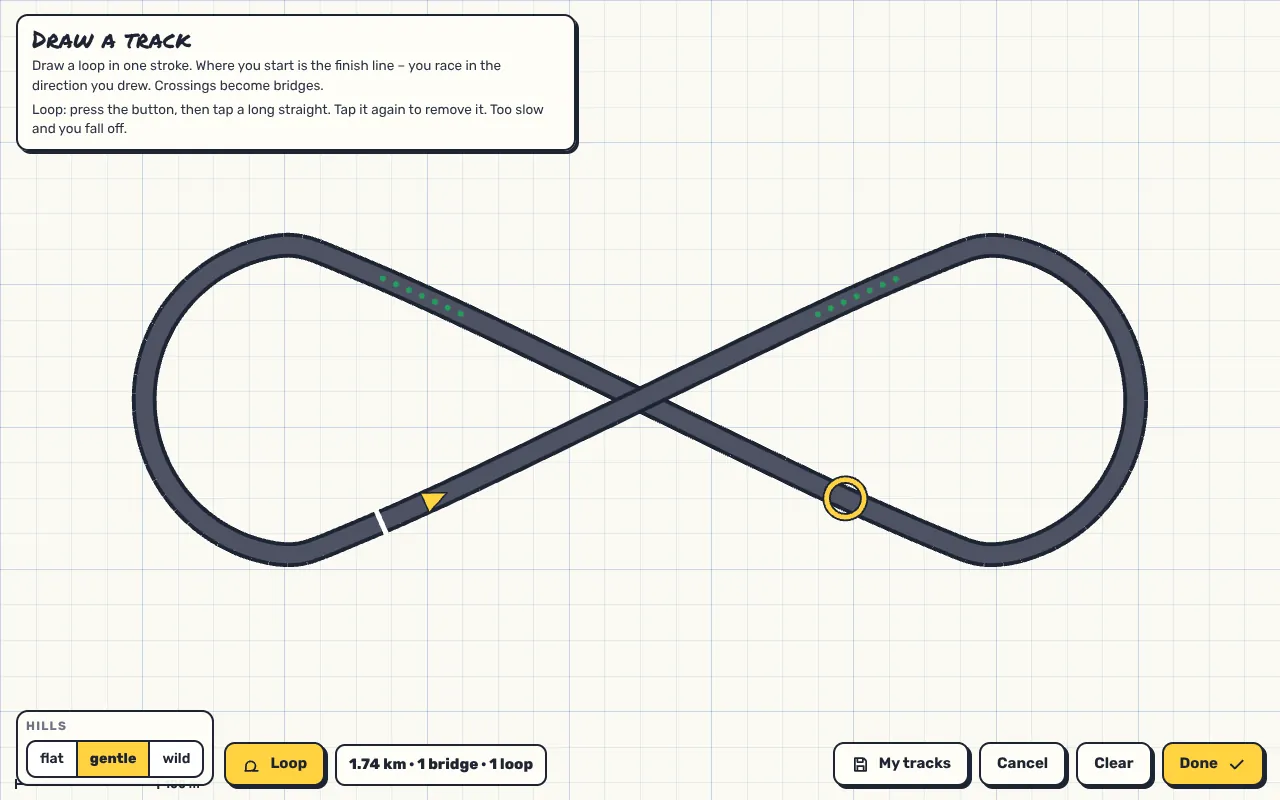
- Hills: flat, gentle or wild. The height profile comes from the shape of your drawing itself.
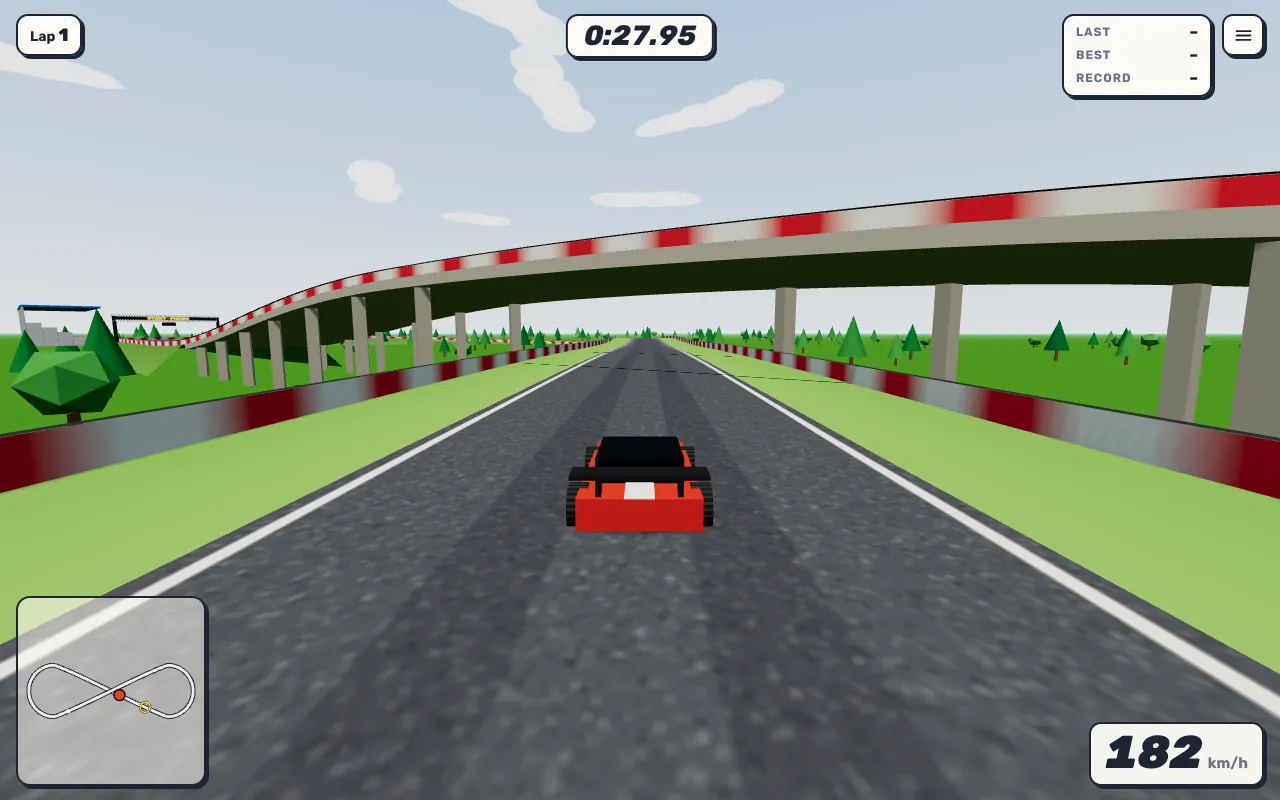
- Bridges: where the track crosses itself, the higher part automatically becomes a bridge with pillars underneath.
- Loops: press the button and tap a long straight – up to four per track. Tap again to remove a loop.
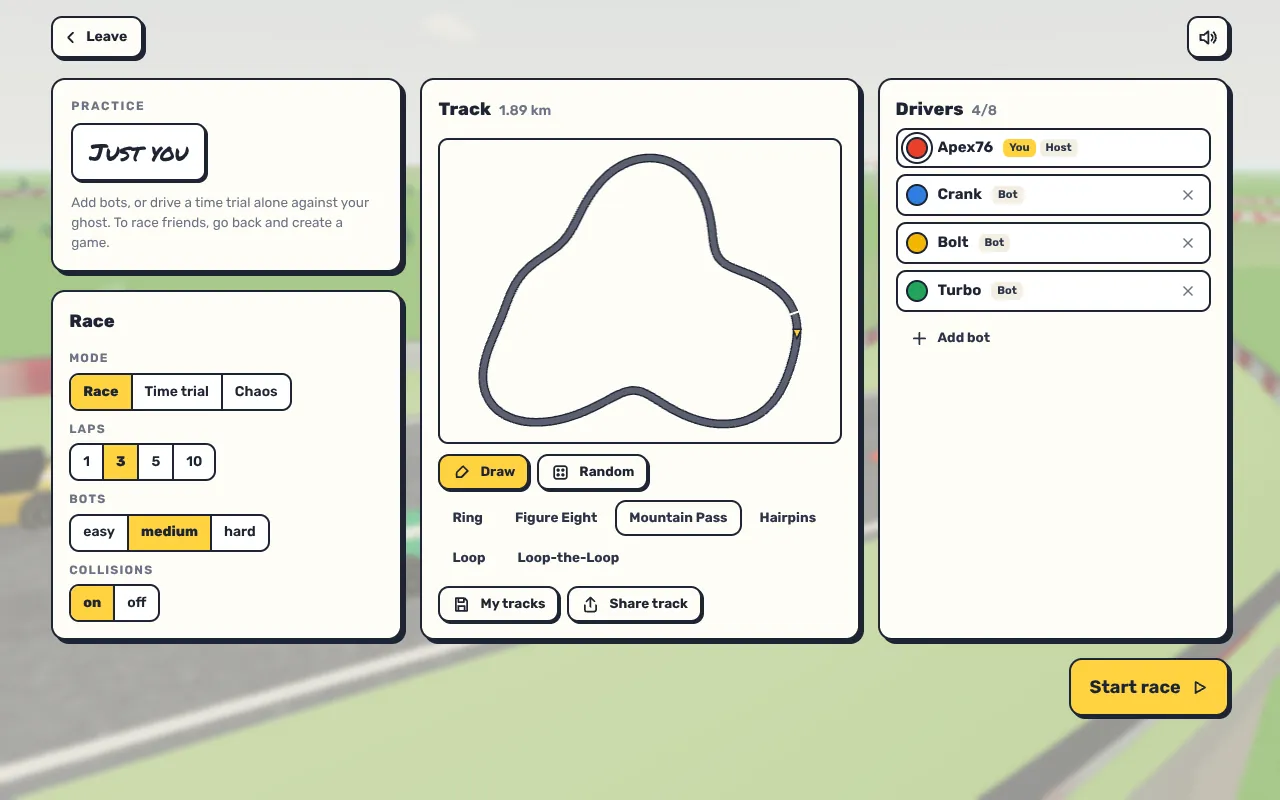
- Random and presets: if you don't feel like drawing, take a random track or a preset.
- My tracks: six save slots in your browser for your favourite tracks.
Controls
- W / ↑ – throttle, S / ↓ – brake
- A / ← and D / → – steer
- Space – handbrake for drifting
- E or Shift – use item (chaos mode)
- R or Enter – reset
- C – switch camera, M – sound
Under “Customize controls” you can map every action to up to two keys, choose the steering (gentle, normal or direct) and pick arrow buttons or a joystick on your phone. On touch devices you steer on the left and have throttle, brake and drift on the right. On a gamepad the left stick steers, RT accelerates, LT brakes, A drifts and B uses an item.
Game modes
Race
A classic race over 1, 3, 5 or 10 laps against bots or friends, up to eight cars per track. Bots come in three strengths. Each bot drives its own line with a little wobble, so they don't all trail each other as if pulled on a string. You choose whether cars collide.
Time trial
Alone against the clock, with a time limit of 3, 5 or 10 minutes or no limit. Your best lap counts. Your ghost replays your best lap so far, and the lap is split into eight sectors – so you see exactly where you lose time.
Chaos mode
Chaos mode is raced over laps like a normal race, but nothing stays the same:
- Crates and barrels: wooden crates smash when you drive through and give you an item; barrels explode on contact.
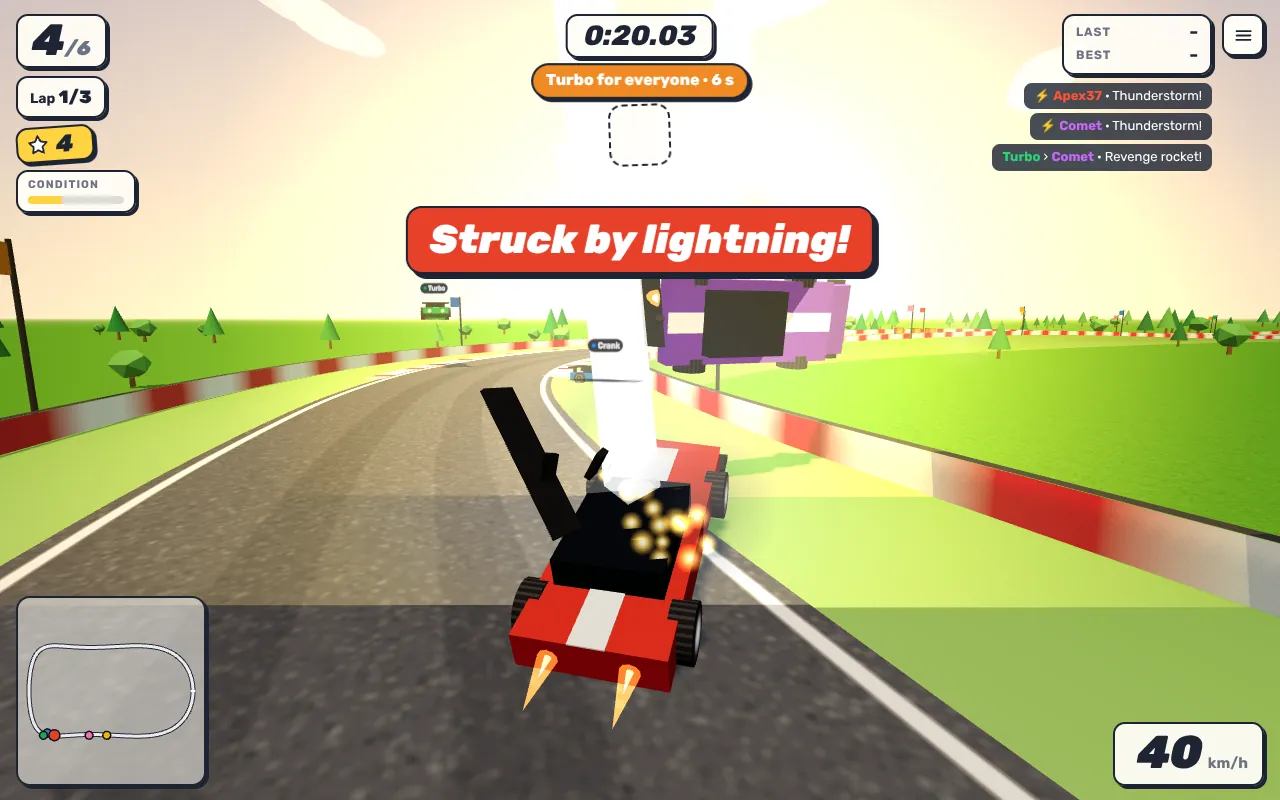
- Items: a rocket for a huge boost, a spring to jump over anything, a mine for whoever is behind you, the rare lightning that strikes everyone ahead of you, or a repair. If your car is badly damaged, repairs come more often.
- Damage: barriers, ramming and explosions wear your car down. First the spoiler goes, then the hood, then it smokes and burns. When it is wrecked it blows up and restarts a moment later.
- World events: every few seconds something new applies to everyone – black ice, moon gravity, turbo for everyone, giant cars or pinball barriers. Add meteor showers, crate and mine rain and thunderstorms, announced only by a shadow on the ground.
- Overtaking: every overtake triggers something – overtake turbo, revenge rocket, consolation prize or a hop. Whoever leads gets hit by the most chaos.
- Ramps: jump ramps with arcs of stars launch you into the air. Fly high enough and you sail over the barrier; land on the track on the other side and you keep racing from there.
Multiplayer
“Create game” gives you a five-character code. Up to seven friends type it in or open the link, and then up to eight cars race on your track. Every browser computes its own car so the steering responds without delay; the host's browser runs the race, adds bots and shares the state with everyone.
Strategy and tips
- Carry speed into loops. Enter a loop too slowly and you fall off at the top and have to reset. Take a run-up.
- Drift instead of braking. The handbrake gets you through tight corners without losing all your speed.
- Drive clean. You can reset any time, but it costs you: afterwards your car stands still for a second, a little longer in chaos mode.
- Chase your ghost. In time trial the ghost shows your best line. Follow it closely and cut in where it loses time.
- Use items with a plan. Save the mine until someone is right behind you. The rocket pays off on long straights, not in front of a hairpin.
- Draw good tracks. Long straights with a loop followed by a tight corner make races exciting. Crossings give you bridges.
Common beginner mistakes
- Full throttle into every corner – the car has limited grip and slides wide.
- Hitting the barrier side-on. Above a certain speed the car flips; if it lands on its roof, you have to reset.
- Trying to drive around a loop. Walls run from every loop out to the barriers.
Frequently asked questions
How do I share a track?
The share button gives you a link. Whoever opens it gets exactly the same track, including hills, bridges and loops.
What is saved?
Your name, sound, controls, the tracks in “My tracks”, and for recently driven tracks your best lap including the ghost – all in your browser's local storage.
Does it work with a gamepad?
Yes, common gamepads are recognised as soon as you press a button.
Behind the scenes
The finished 3D track is never stored or sent – only your drawing: a list of points about eight metres apart, plus the hill setting and the loops. Every browser builds the same track from that by itself – the centre line as a smooth curve, the height profile from a few waves whose position comes from the shape of the drawing, and bridges wherever the track crosses itself. That is why a track link is so short. The driving physics is deliberately forgiving: the car drifts when grip drops, for example with the handbrake or on grass. The game runs at 60 steps per second, and lap times are measured to a sixtieth of a second.