Browser games without a download: how it works
Guide · Updated 22 October 2026
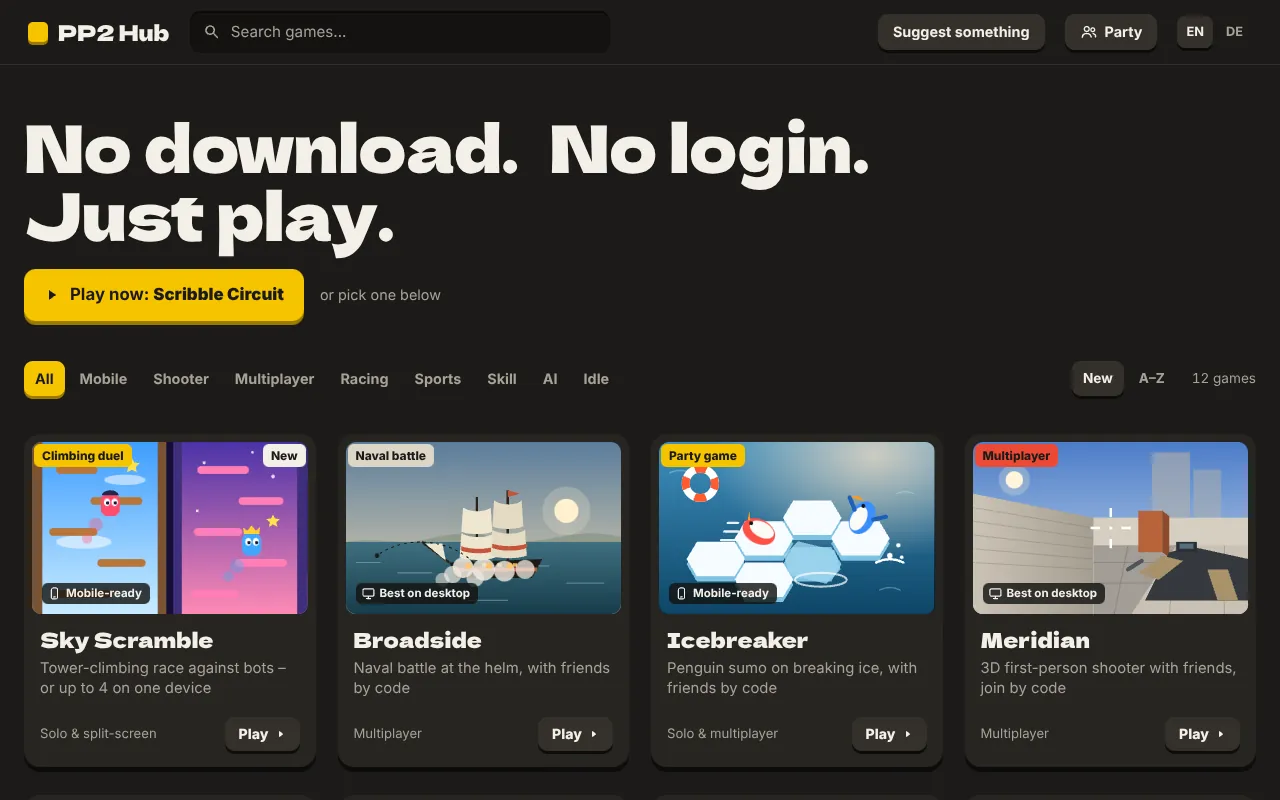
Every game on PP2 Hub runs right in your browser: open the link, play. There is nothing to install, no launcher and no account. How does that work when the list includes 3D shooters and multiplayer races? This article explains the technology behind it – and what it means for your privacy.
The browser as a games console
Modern browsers are much more than programs for displaying text. They come with a whole set of interfaces that used to be reserved for installed software: 2D and 3D graphics, sound synthesis, gamepad support, direct connections between devices and a small store for save games. Our games use exactly these building blocks.
Graphics: Canvas and WebGL
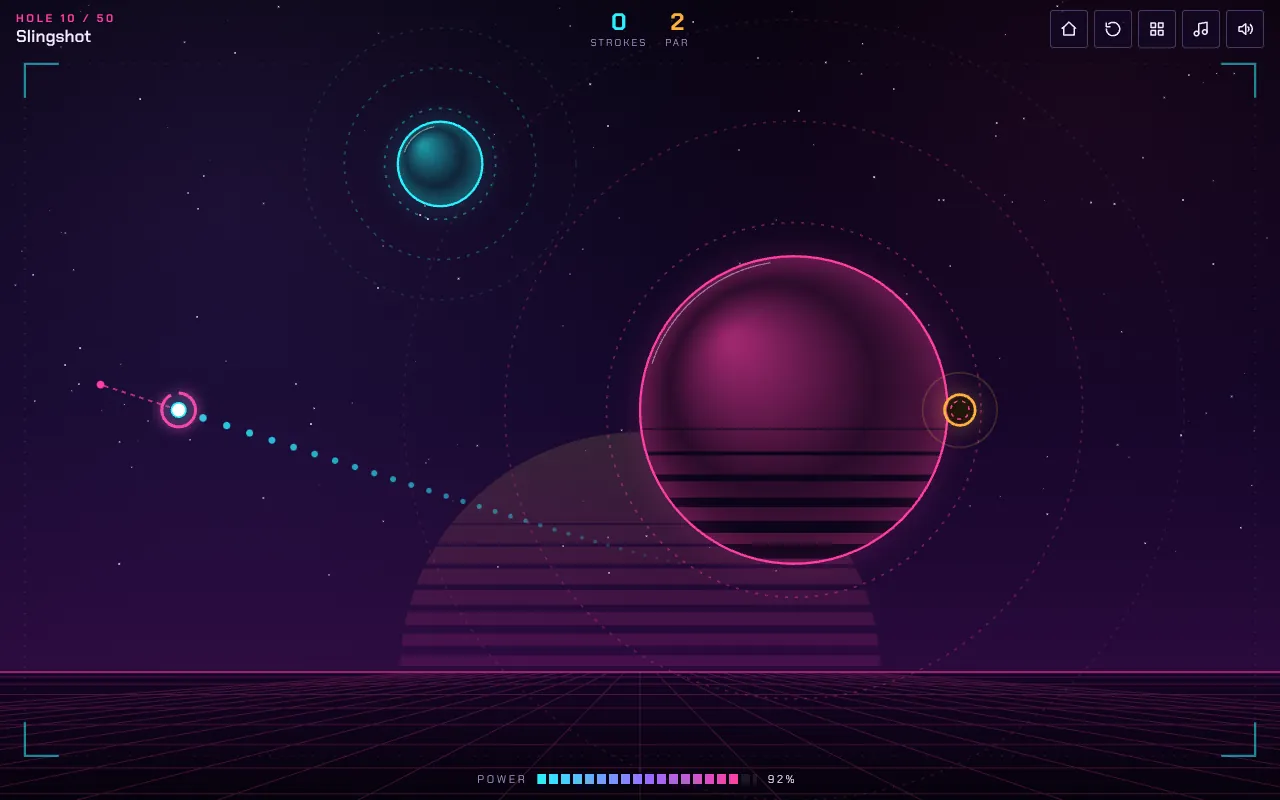
For 2D games like Gravity Golf, Sky Scramble or Lowlight, the game draws every frame itself onto a drawing surface called the canvas – planets, platforms, walls, characters. Many of these games need no image files at all: everything is created from shapes and colours in code. That keeps loading times short.
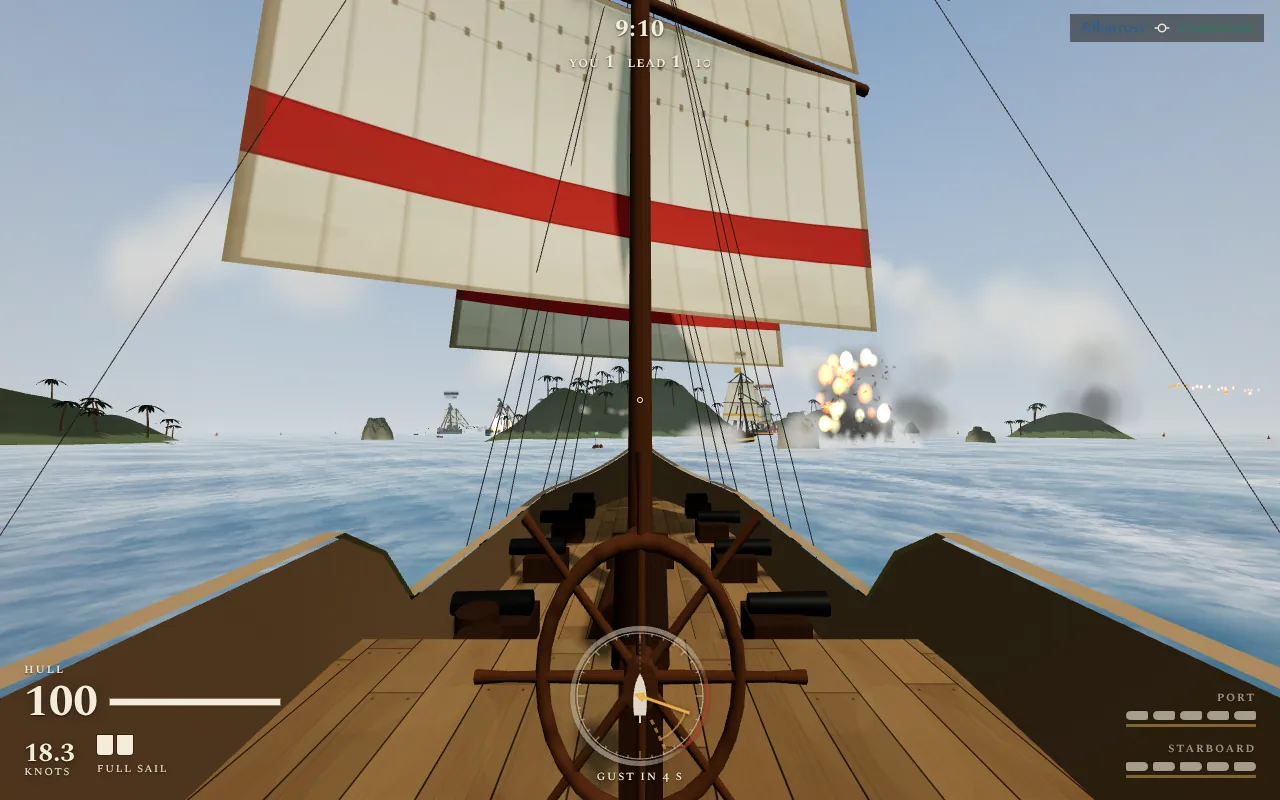
3D games like Meridian, Broadside, Meltdown or Boxing use WebGL. Through it the browser talks directly to the graphics card, much like an installed game. Most of our 3D games use the free library three.js for this. Here too, many models and textures are generated in the browser instead of being downloaded – the ship in Broadside, for example, is built from cross-sections along the hull, and the maps in Meridian from a height grid.
Sound: the Web Audio API
Many of our games don't contain a single audio file. Hits, jumps, explosions and even the music are generated live with the Web Audio API: the browser creates tones from oscillations, shapes them with filters and mixes them together. In Neon Syndicate, for instance, a small synthesizer plays the music and gets louder and denser when enemies raise the alarm. Because browsers only allow sound after user input, audio always starts with your first click or key press.
Multiplayer: WebRTC
For games with several people on different devices we use WebRTC – the same technology that powers video calls in the browser. One player creates a game, their browser becomes the host, and the others connect directly to it. Our server only passes on the code so the browsers can find each other. The match itself then runs between the devices, not through us.
To keep it feeling smooth anyway, every browser predicts its own character ahead of time and keeps syncing with the host. In the shooters the host checks hits by “rewinding”, so a slightly delayed connection doesn't become unfair.
The same on every device: fixed simulation steps
Screens run at different refresh rates, some at 60, some at 120 frames per second. If a game simply computed its physics once per frame, the ball in Gravity Golf would fly differently on a fast screen than on a slow one. That's why our games compute in fixed steps – around 60 or 120 per second – and draw independently of that as often as the screen allows. That way a game behaves the same on every device.
Save games: local storage
Our games store progress, records and settings in your browser's local storage. That has advantages: you don't need an account, and your data stays with you. It also has a drawback: if you clear the site data, play in a private window or switch browsers, you start over. In some games you can pass things on as a code or link – levels in Gravity Golf or tracks in Scribble Circuit, for example – and those are contained entirely in the code rather than stored on a server.
What this means for your privacy
- No account: we don't know who you are, and we don't need to.
- Save games stay with you: in your browser, not with us.
- Direct multiplayer: game data travels between the browsers involved. Our server only knows the room code.
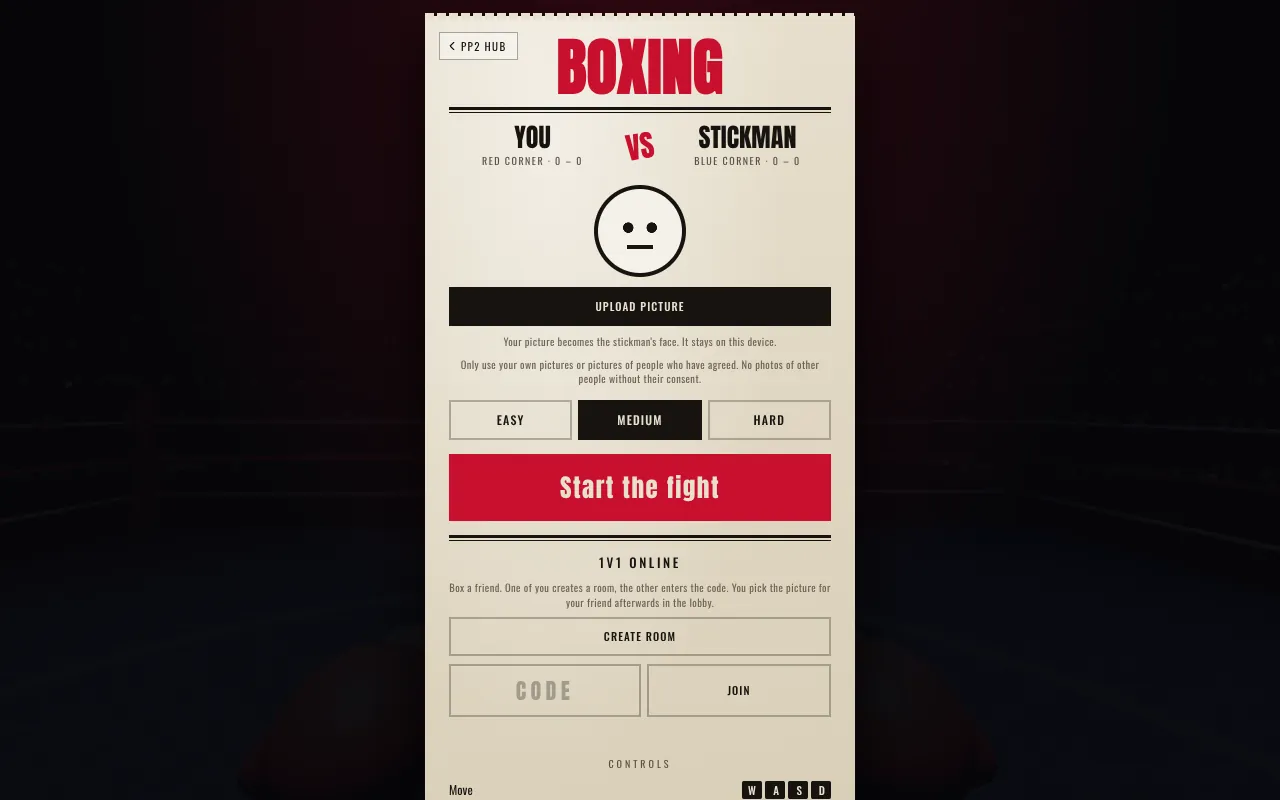
- Your own pictures: in Boxing you can give your opponent a picture as a face. In a solo fight it never leaves your device.
Exactly what we process is described in the privacy policy.
What your device should handle
Practically any device from the last few years can run the 2D games. The 3D games need a bit more power; on older phones, lower graphics settings help where a game offers them. An up-to-date browser such as Chrome, Firefox, Safari or Edge matters, because older versions don't know some of these interfaces.