Playing with friends: on one screen or with a code
Guide · Updated 22 October 2026
Many games on PP2 Hub are built to be played with others – on the sofa around one screen, or each person on their own device. Here we explain which games suit which situation, how joining with a code works and what makes a good game night.
Two ways to play together
There are basically two ways. In local multiplayer, everyone sits in front of the same screen and shares a keyboard or plugs in gamepads. That needs no connection between devices and no code – just room on the sofa. In online multiplayer, everyone plays on their own computer, tablet or phone, whether in the same room or in another city.
On one screen: Sky Scramble
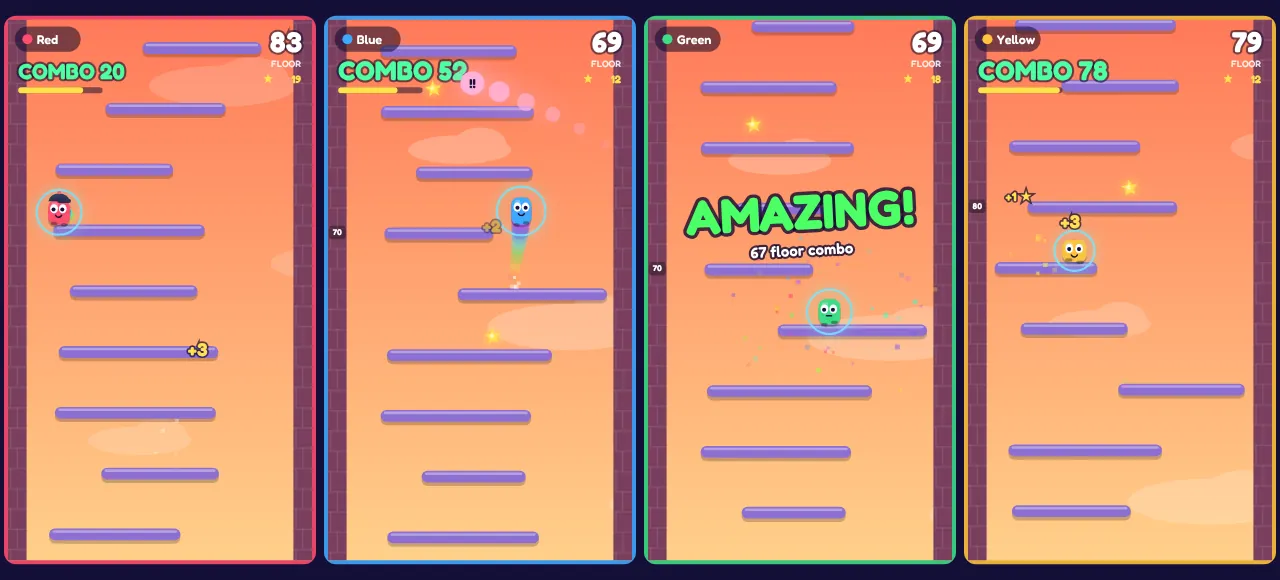
Sky Scramble is our one-screen game. Up to four people climb their own towers side by side while the screen scrolls upward faster and faster. Each player has fixed keys on the same keyboard – Red uses A, D and W, Blue the arrow keys, Green J, L and I, Yellow F, H and T. Anyone with a gamepad just presses the A button to join.
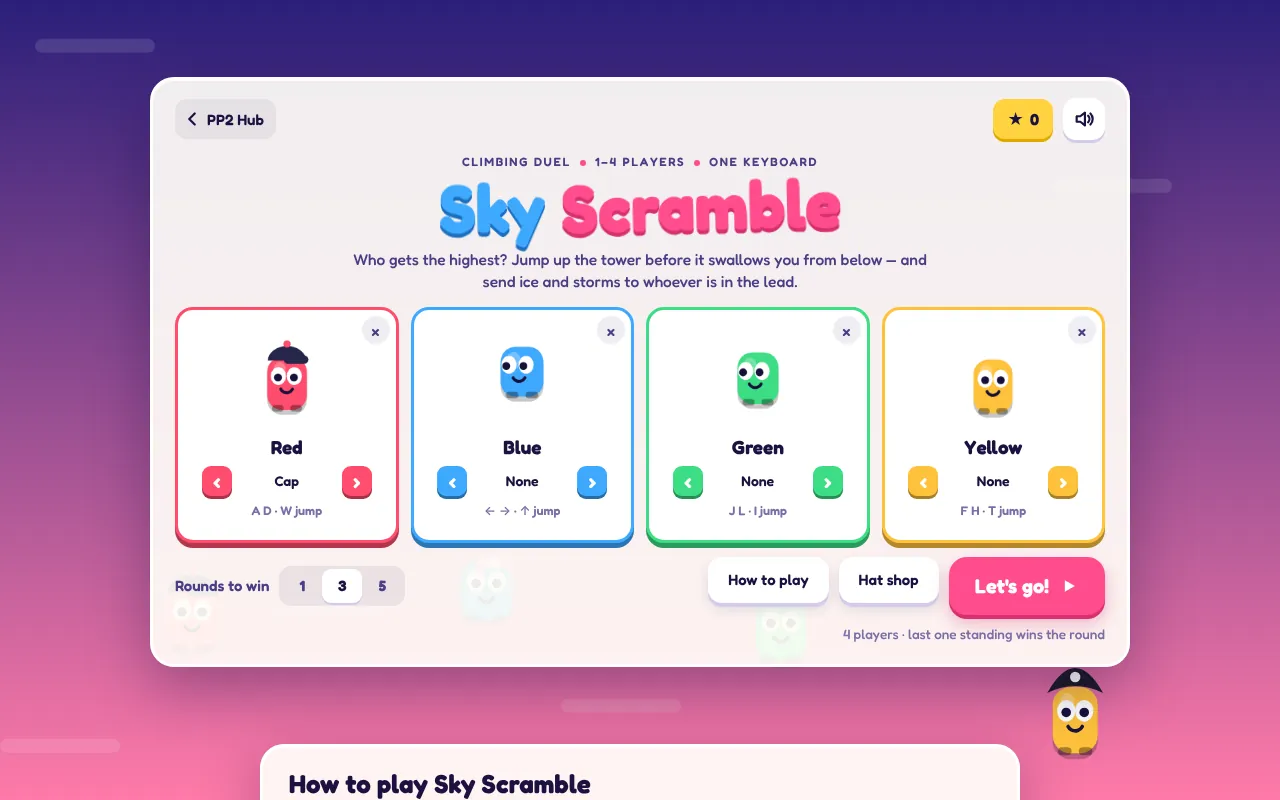
Because every tower in a round is built exactly the same, the winner isn't whoever gets lucky, but whoever jumps better. That makes Sky Scramble fair for mixed groups too: kids and adults have the same chances, and a round is over quickly. If someone is missing, bots at three levels step in.
Each on their own device: games with a code
All other multiplayer games work the same way: one player creates a game and gets a five-character code. The others open the same game and type in the code – or simply open the invite link the host shares. Nobody needs an account.
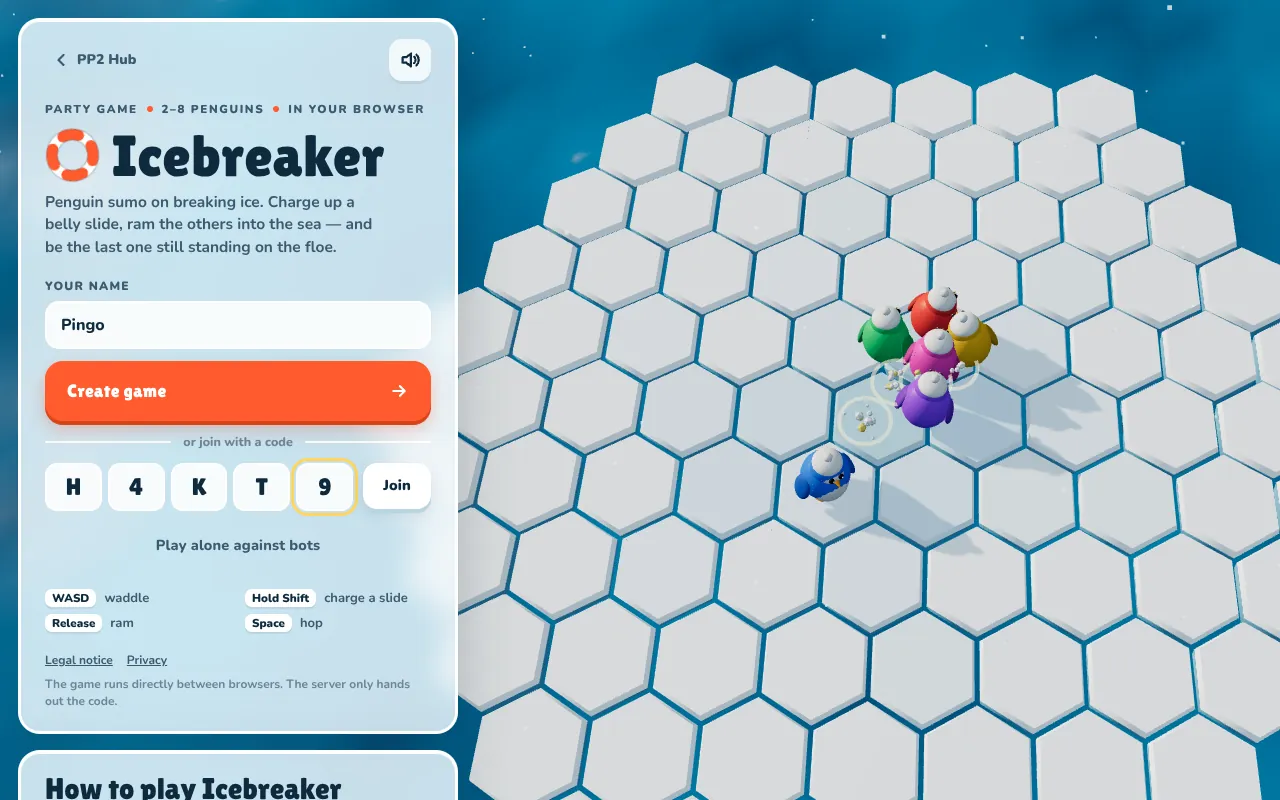
- Icebreaker – penguins push each other off melting ice floes, up to eight players. Short, chaotic rounds, perfect for warming up.
- Scribble Circuit – races on hand-drawn tracks, up to eight cars. One person draws the track, everyone races it.
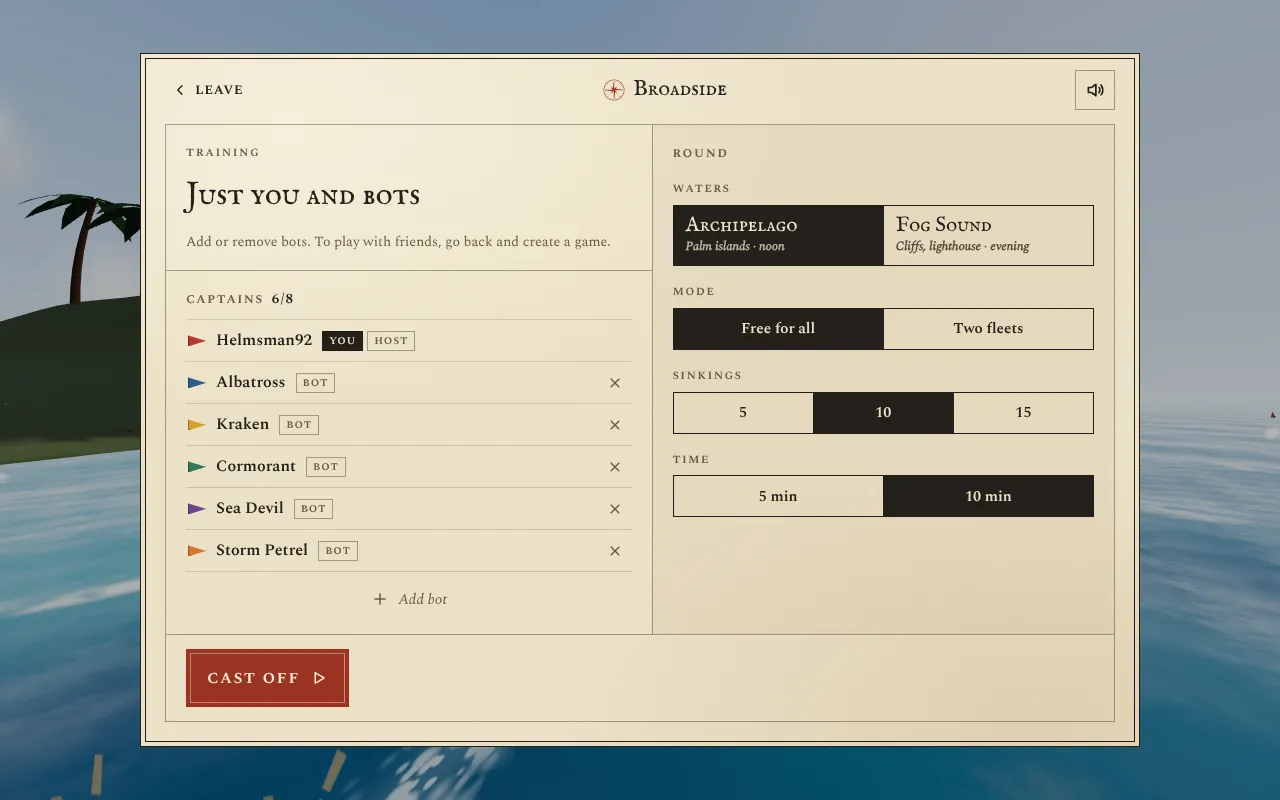
- Broadside – a naval battle with sailing ships, up to eight captains, free-for-all or in two fleets.
- Meridian – a 3D arena shooter for two to eight players, solo or in teams.
- Lowlight – a top-down shooter in the half-dark, up to eight players.
- Boxing – a one-on-one boxing match in which each player can give the other a picture as a face.
- Idle Boxing Gym – here you pit your trained boxers against each other in a duel.
If players are missing, bots fill the empty slots in most of these games. So a round is worth it with just two people too.
How it works technically
In the games with a code, the match doesn't run on a big game server but in the host's browser. The other browsers connect directly to it, using a technology called WebRTC that is also used for video calls in the browser. Our server only arranges the first contact: it briefly remembers which code belongs to which host.
That has two consequences. First: if the host leaves, the round is over – so the person with the most stable connection should open the game. Second: so that the controls still feel instant, every browser predicts its own character ahead of time. In the shooters, the host also checks hits by “rewinding”: it looks up where the opponent stood at the moment the shooter saw on their screen.
The party: staying together when you switch games
If you want to play several games in a row in one evening, use the party on the home page. One person opens a party and sends the party code around. After that, the home page shows everyone only games you can play together, and every game shows a small badge with the party code at the bottom left. When someone in the party opens a lobby, the others automatically follow into the game. That way nobody has to type a new code for every game.
Tips for a great game night
- Start with something easy. Icebreaker or Scribble Circuit explain themselves in seconds. Shooters like Meridian or Lowlight fit better once everyone is warmed up.
- Bots as a balance. If the group has very different experience levels, a team mode with bots makes rounds more even than free-for-all.
- Keep the sound on. Especially in Icebreaker and Broadside, sounds reveal a lot about what's going on.
- A host with a good connection. The host computes for everyone. A wired computer is better for that than a phone with a weak signal.
- Prepare tracks. In Scribble Circuit someone can draw and save a track beforehand. Then you can start without waiting.
Frequently asked questions
Does it cost anything?
No. All games are free, with no sign-up and no in-game purchases.
Does it work with phones?
Yes. Most multiplayer games have touch controls. Phones and computers can play together in the same round.
How long is a code valid?
As long as the host has the game open. If they close the page, the code stops working too.