Build and share your own levels and tracks
Guide · Updated 22 October 2026
Three games on PP2 Hub let you create things yourself: in Gravity Golf you build mini golf courses in space, in Scribble Circuit you draw race tracks, and in Neuro Racer you build tracks on which an AI learns to drive. Here you'll find out how each one works, how to share your creations and what makes a good level.
Gravity Golf: the level editor
Open the level editor from the main menu. Pick a tool at the bottom and click into the field: planet, moon, repeller, black hole, wall, rotor or wormhole. The ball and the hole are always there and can be moved. Every tool has a key – P for planet, M for moon, W for wall and so on – Delete removes the selected object, and Ctrl+Z undoes the last step. “Snap to grid” helps you line things up neatly.
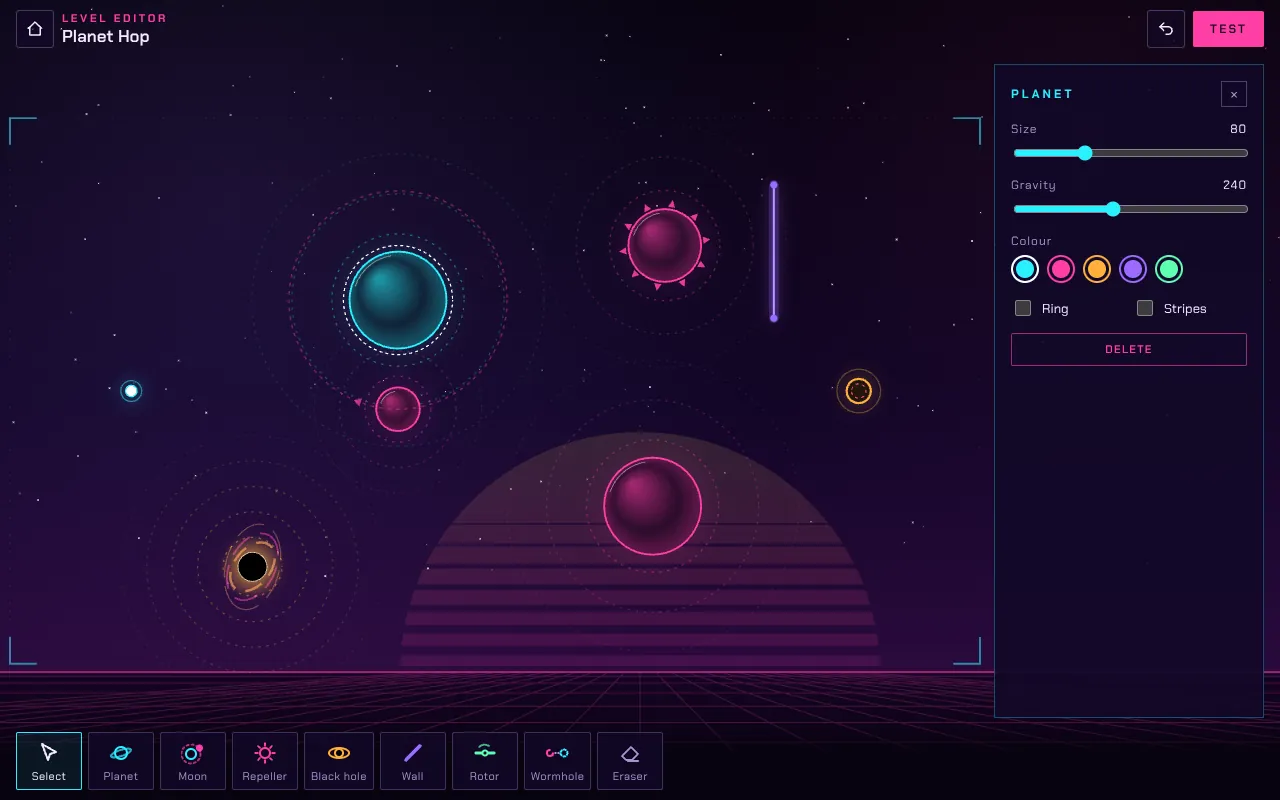
“Test” lets you play your level straight away. That's the most important step: only when you play it do you notice whether the par is fair and whether the course is fun. “Share code” in the properties gives you a level code starting with GG1.. Send it by messenger; your friend taps “Play a friend's level” in the main menu and pastes it.
What makes a good Gravity Golf course
- One idea per course. The best holes in the campaign revolve around one element: a wormhole, a slingshot around a planet, a gate with a rotor.
- Several routes. A safe, long route and a risky, short one – so every shot involves a decision.
- A fair par. Play the course several times. If you only make par with luck, raise it by one.
- Not too crowded. Ten planets side by side make every shot unpredictable. Less is more here.
Scribble Circuit: drawing tracks
In Scribble Circuit, drawing is the editor. Drag a closed line, and the game turns it into a smooth, twelve-metre-wide road. Where the line crosses itself, a bridge appears automatically. Choose the hilliness between flat, gentle and wild. Loops go on long straights – up to four per track.
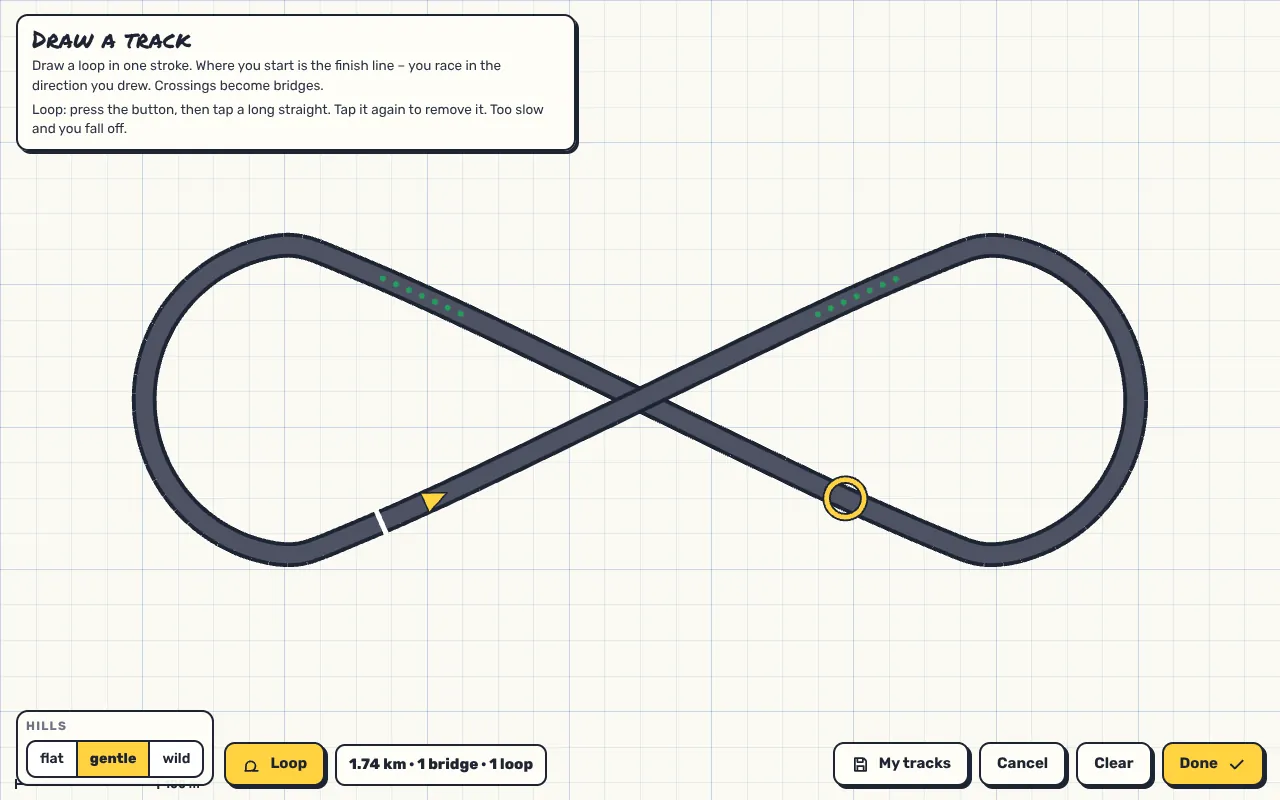
What gets saved isn't the finished 3D track but only your drawing: a list of points, the hill setting and the loops. Every browser builds the same track from that. That's why a track link is short, and everyone who opens it races exactly the same hills and bridges. “My tracks” gives you six save slots in your browser.
What makes a good race track
- Rhythm. Alternate fast sections with corners where you have to brake or drift.
- Overtaking spots. A long straight before a tight corner invites late braking – especially fun with several players.
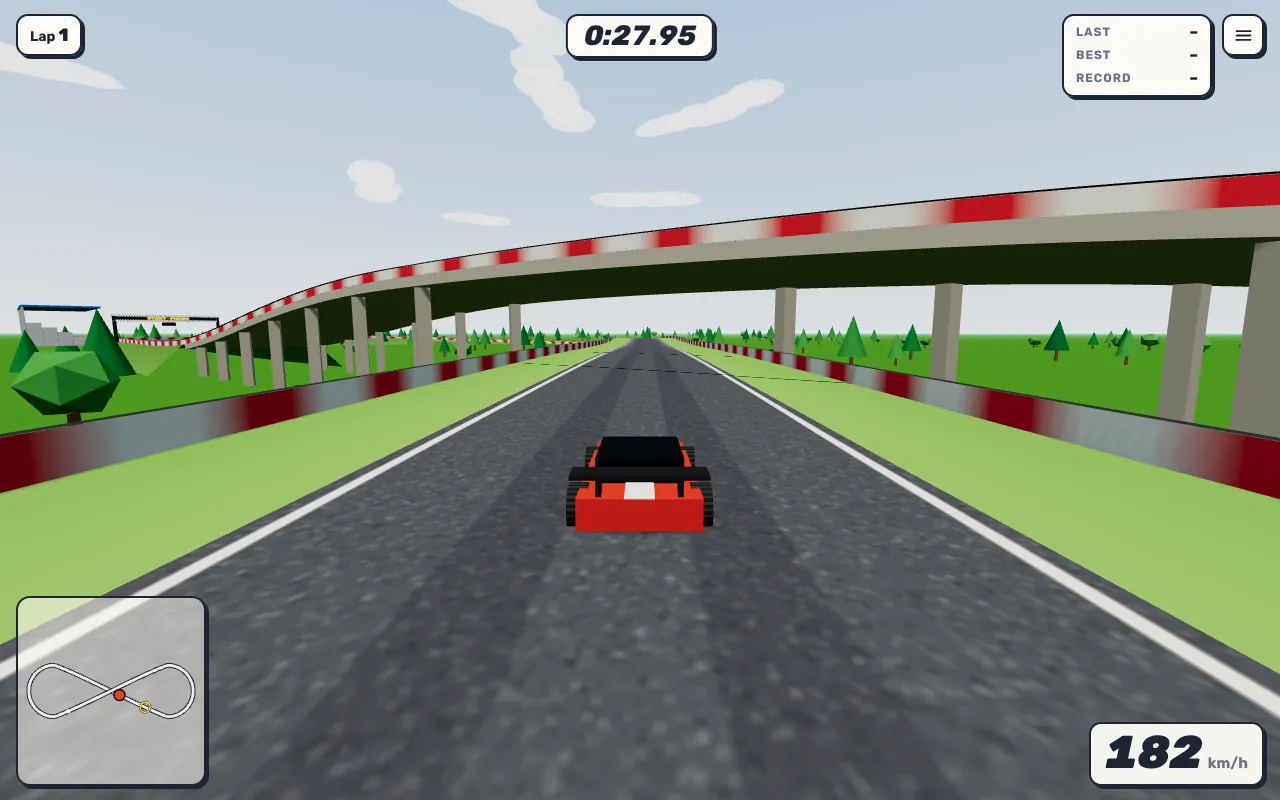
- Loops with a run-up. Enter a loop too slowly and you fall off. Give it enough straight beforehand.
- Use crossings. A figure eight or a loop over itself gives you bridges and looks spectacular.
Neuro Racer: tracks for the AI
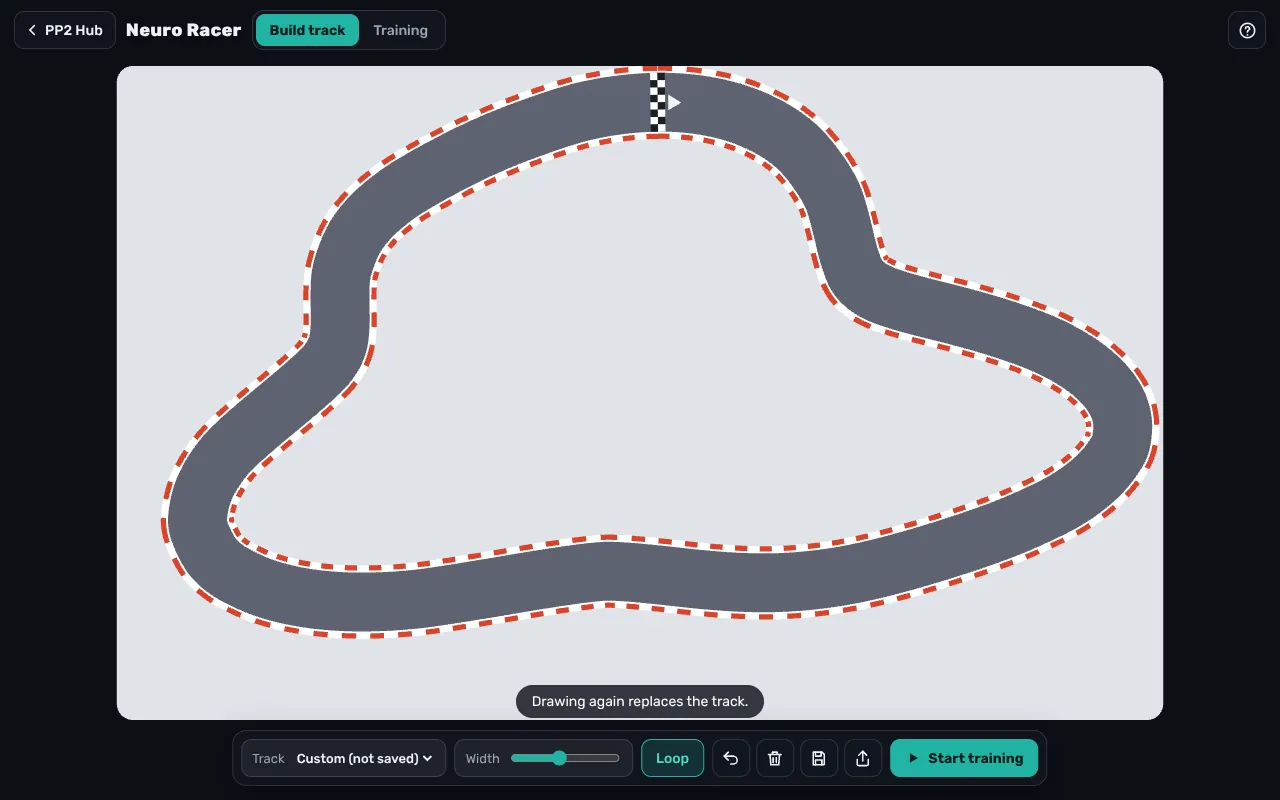
In Neuro Racer you also drag a line with your mouse or finger; if it ends at the start, it becomes a loop. Set the width below it. Unlike in Scribble Circuit, you don't drive yourself here – the track is a task for the AI. Tracks can be saved and shared as a link.
What makes a good AI track
- Raise the difficulty gradually. The AI learns wide, gentle tracks in a few generations. Tight hairpins take much longer.
- One key spot. A single difficult corner on an otherwise easy track shows beautifully how the AI eventually “cracks” it.
- Rebuild after training. Change the track after the cars have learned it. Can they drive the new one too? That shows whether they really learned to drive.
Sharing without uploading anything
All three games share levels and tracks the same way: the entire creation lives in the code or link itself. Nothing is stored on a server. That also means: whoever has the code has the level. If you no longer want to share a level, simply don't pass the code on.
Challenge ideas for friends
- Par duel: everyone builds a Gravity Golf course, and the others try to make par on it.
- Best-time week: one person shares a Scribble Circuit track, and everyone chases the best time in time trial for a week.
- AI bet: who can build the Neuro Racer track the AI takes longest to master – while it is still drivable?